SyncToy
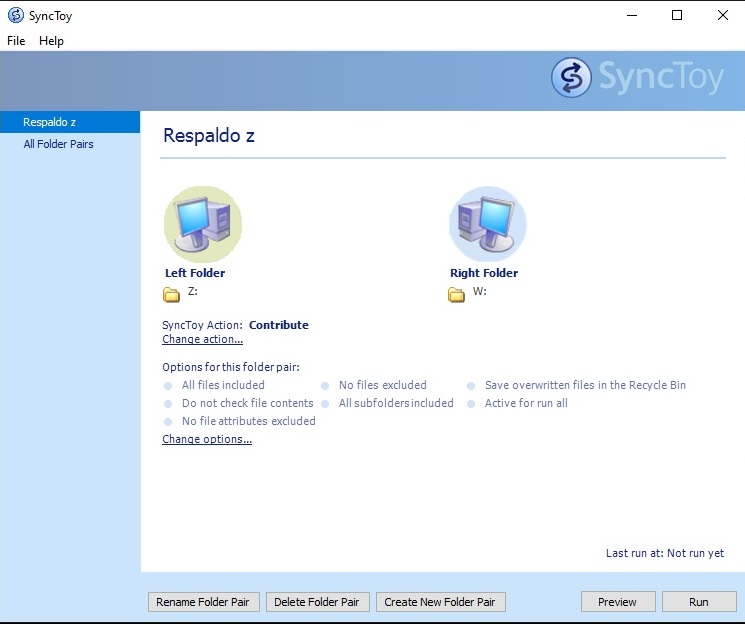
It is a free software developed by Microsoft that allows you to synchronize, copy and backup files and folders in different locations on a computer or between different storage devices.
It works on Windows operating systems and can be used to synchronize files and folders between local drives, network drives and external devices such as external hard drives and USB devices. The software also provides options to synchronize files bidirectionally, copy only new or changed files, exclude specific files or folders from synchronization and more.
It works on Windows operating systems and can be used to synchronize files and folders between local drives, network drives and external devices such as external hard drives and USB devices. The software also provides options to synchronize files bidirectionally, copy only new or changed files, exclude specific files or folders from synchronization and more.
SyncFolders:
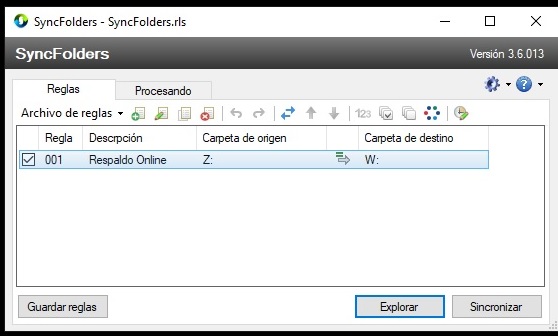
It is a file synchronization and backup software for Windows that allows you to synchronize files and folders in different locations on your computer or on external devices.
The software works by comparing selected files and folders and determining which files need to be updated or copied. SyncFolders offers a variety of synchronization options, such as one-way or two-way synchronization, copying of specific files and folders, exclusion of specific files and folders, and automatic synchronization on a preset schedule.
SyncFolders is useful for those who need to keep different files and folders synchronized and up-to-date in different locations or storage devices, either to keep a backup of their data or to facilitate the transfer of files between different devices. Moreover, since SyncFolders is free and open source, it is a cost-effective and reliable option for file synchronization and backup.
SyncBackFree:
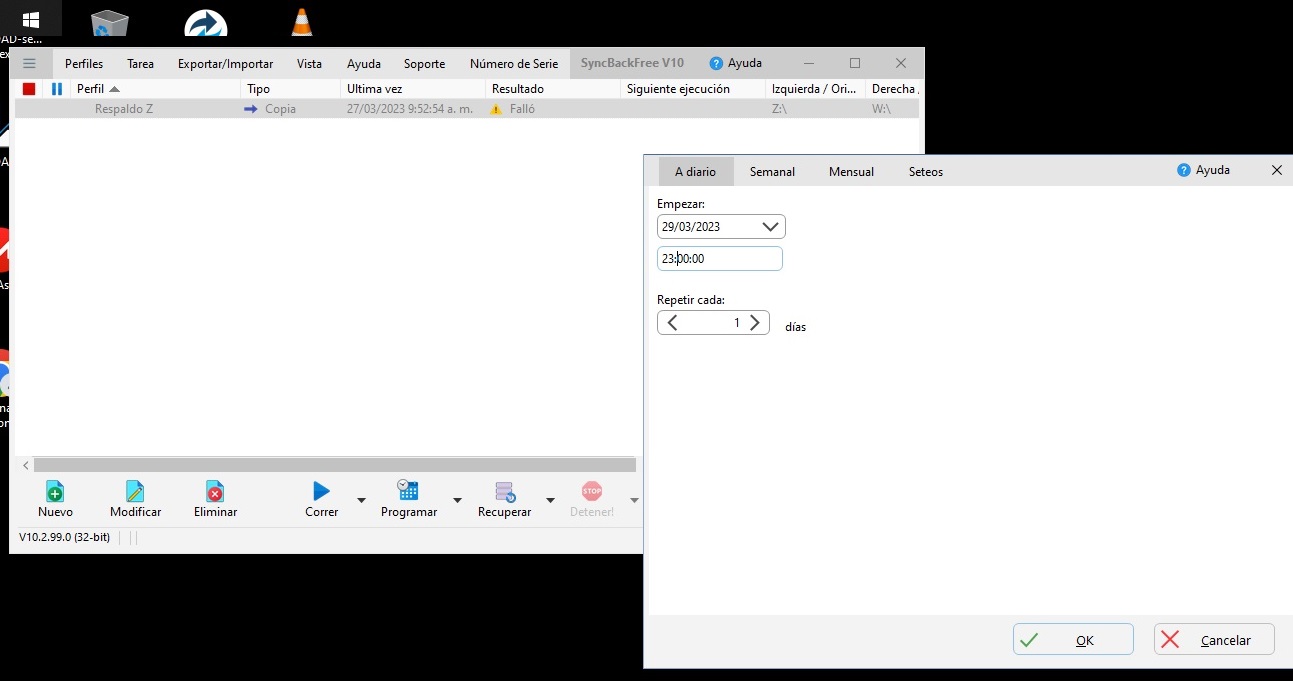
It is a free file synchronization and backup software for Windows that allows you to backup and synchronize files and folders in different locations on your computer or on external devices.
The software has an easy-to-use interface and offers a variety of synchronization options, such as one-way or two-way synchronization, copying of specific files and folders, exclusion of specific files and folders, and automatic synchronization on a preset schedule. It also allows you to schedule synchronization and backup tasks at specific time intervals.
SyncBackFree is suitable for home users and small businesses that need to perform regular backups and keep different files and folders synchronized and up-to-date in different locations or storage devices. The software is also available in paid versions that offer additional features, such as cloud synchronization, advanced scheduling and technical support.

